AI Art
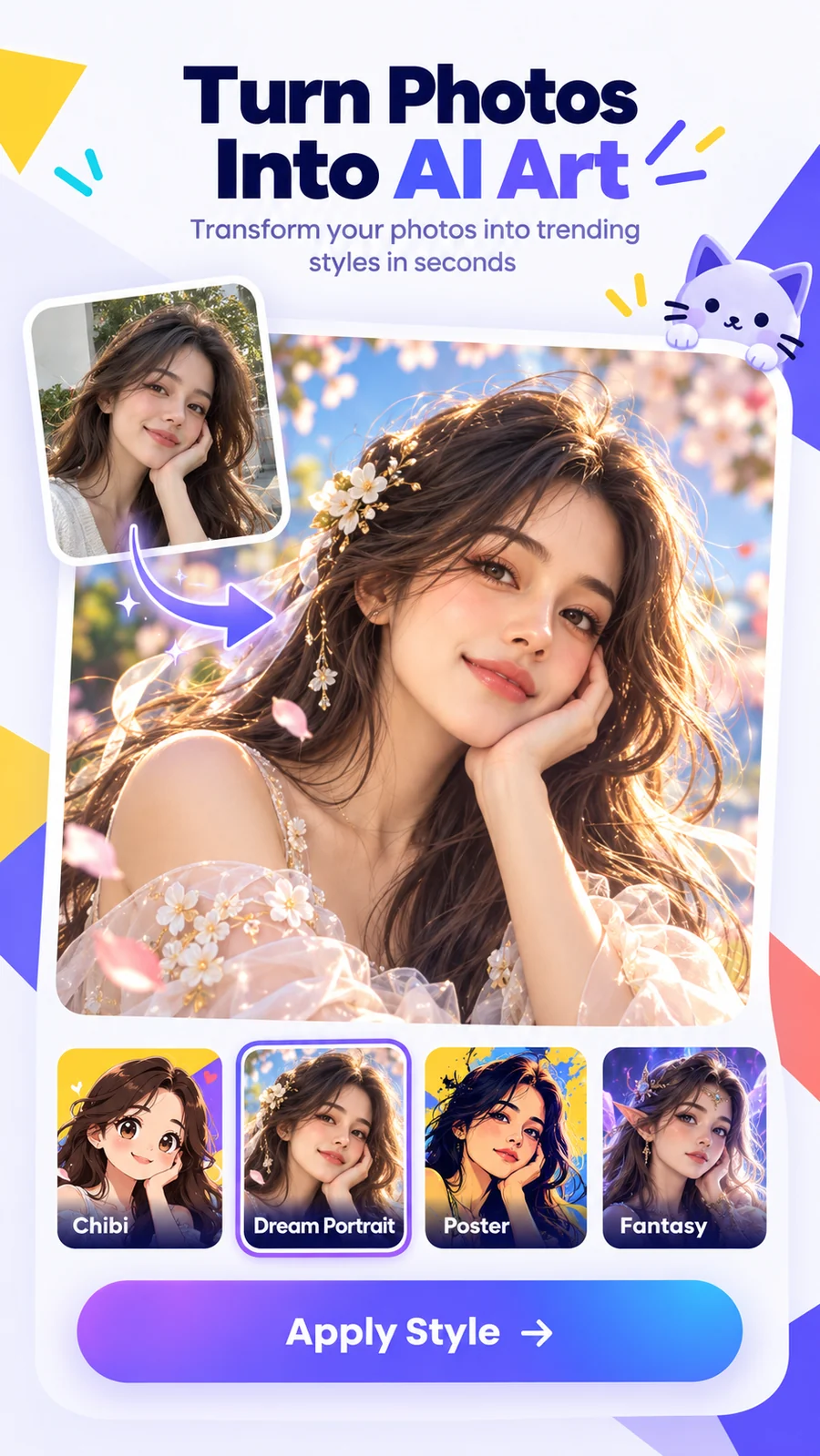
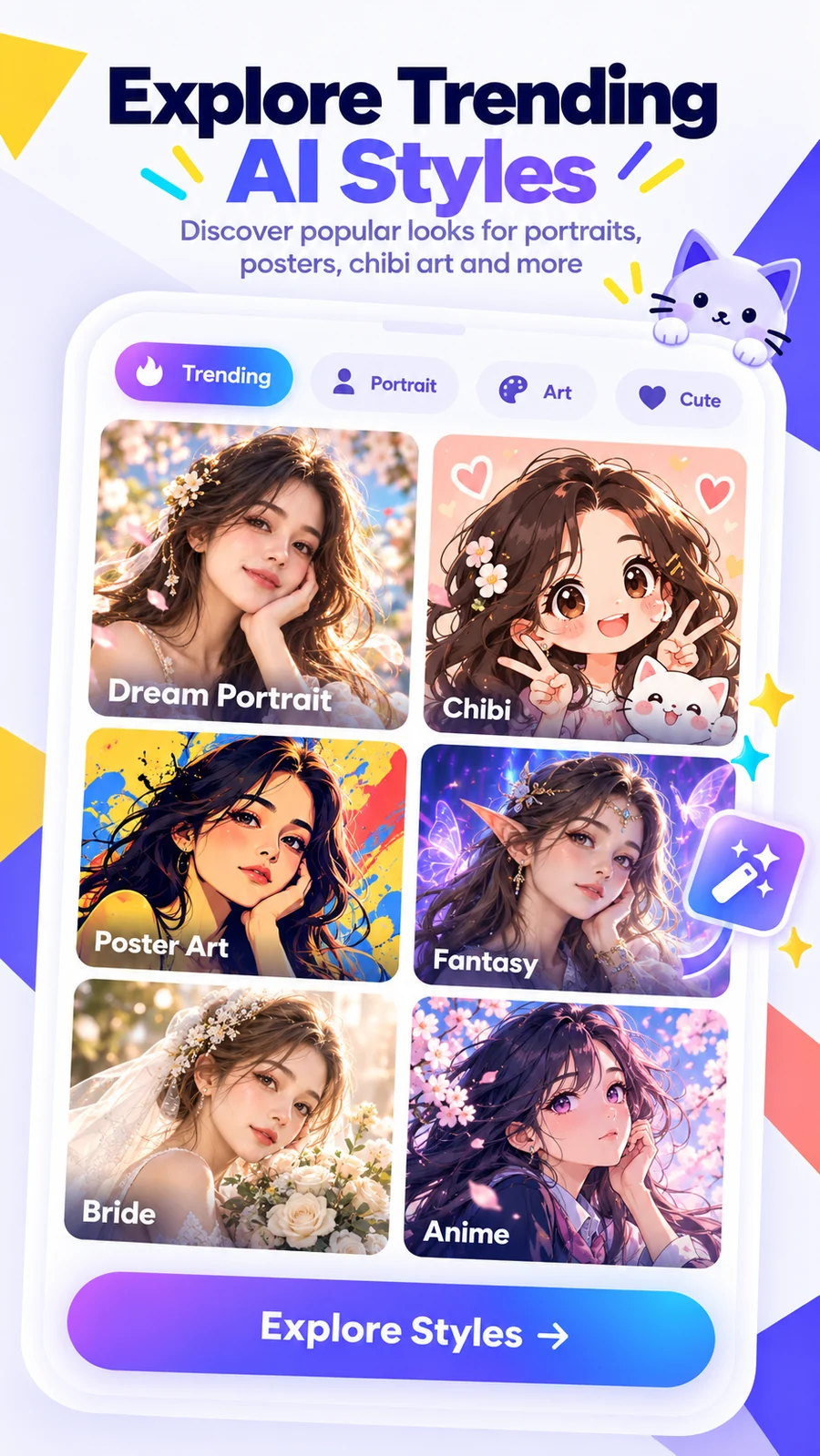
Turn a photo into dreamy portraits, poster art, chibi looks and fantasy styles.
Create AI art, animate photos, enhance details, remove backgrounds and discover fresh visual styles — all from one playful workspace.
Google Play link can be added before launch.
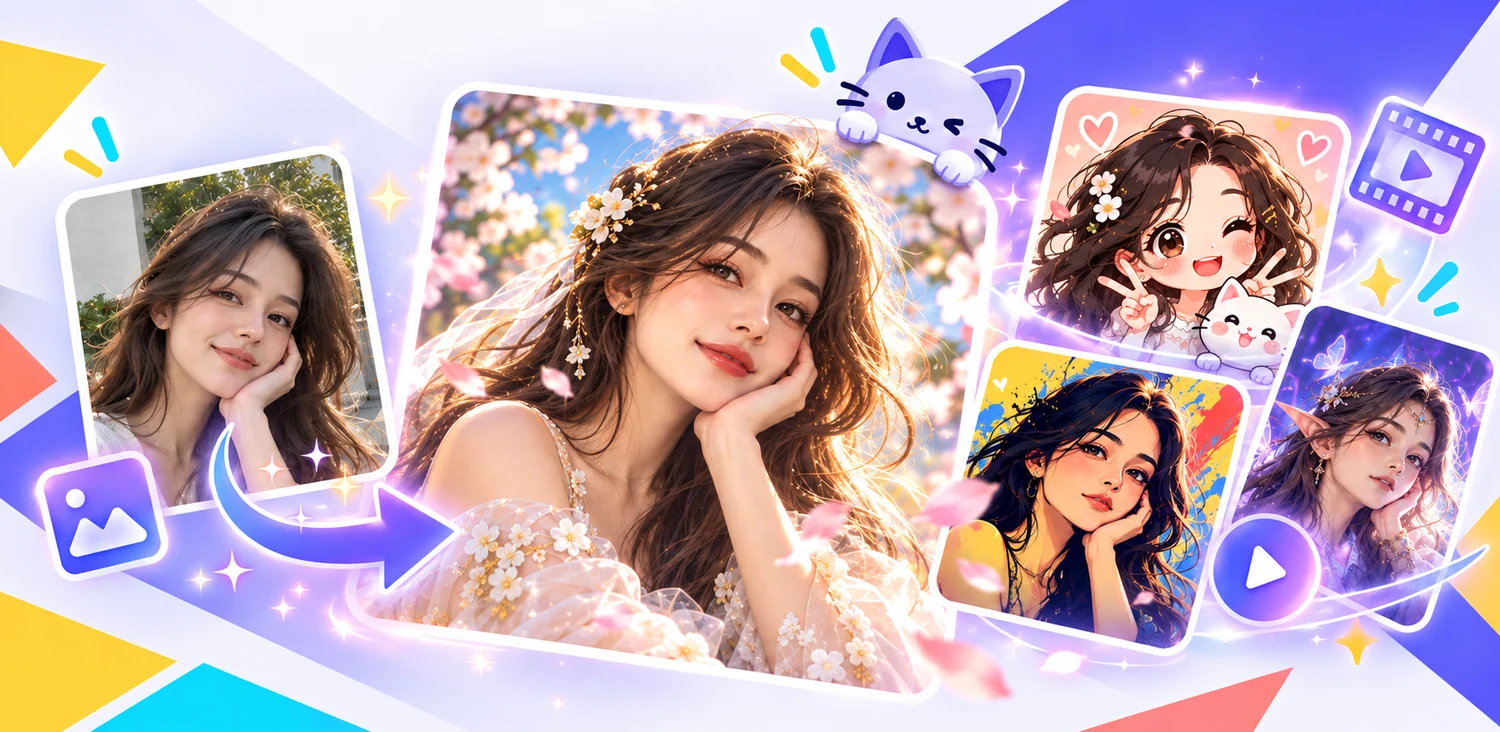
Built around the same bright, friendly visual system as the app: clean cards, vivid gradients and simple controls.
Turn a photo into dreamy portraits, poster art, chibi looks and fantasy styles.
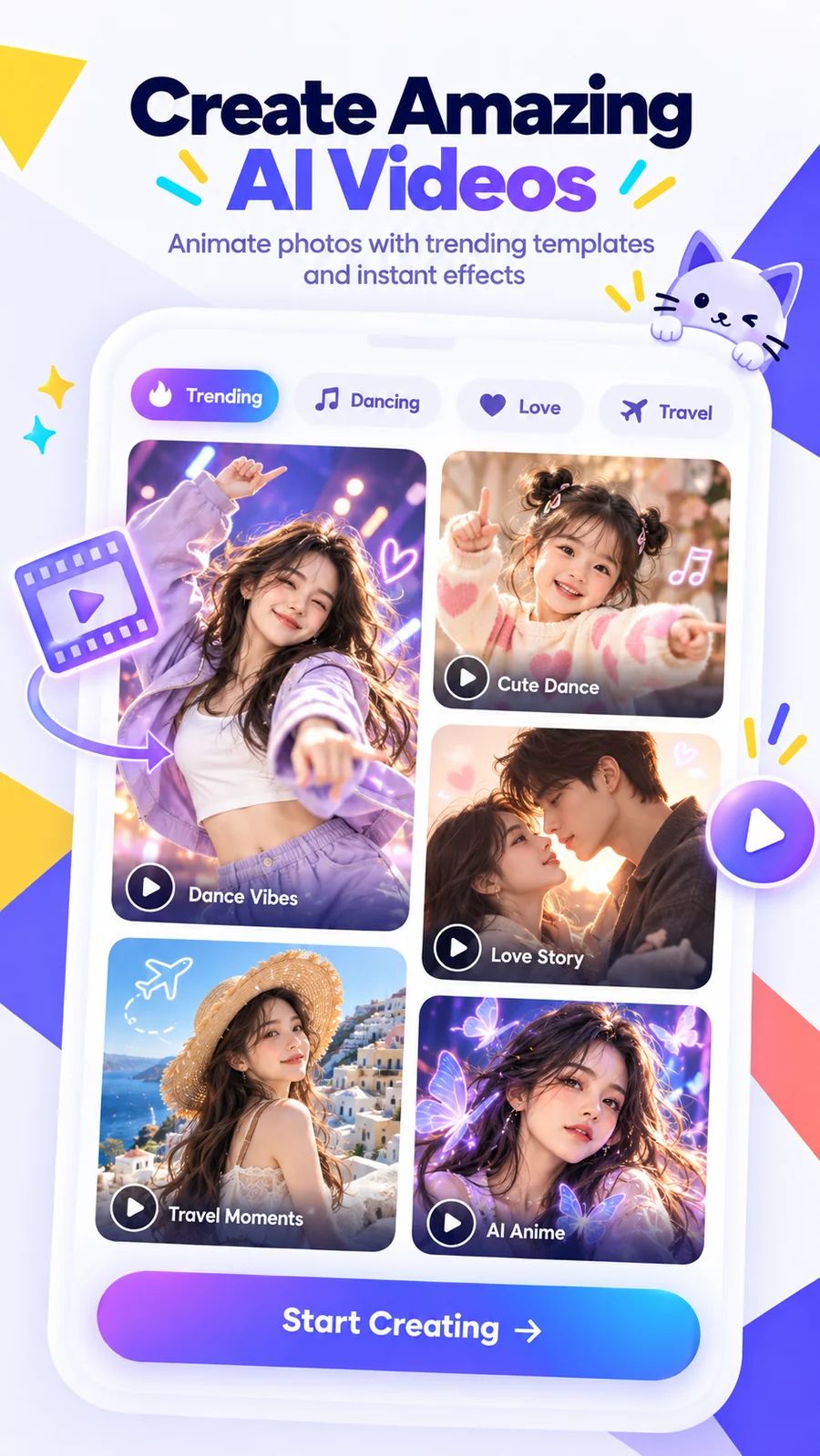
Animate photos with trending video templates for dancing, travel, love and more.
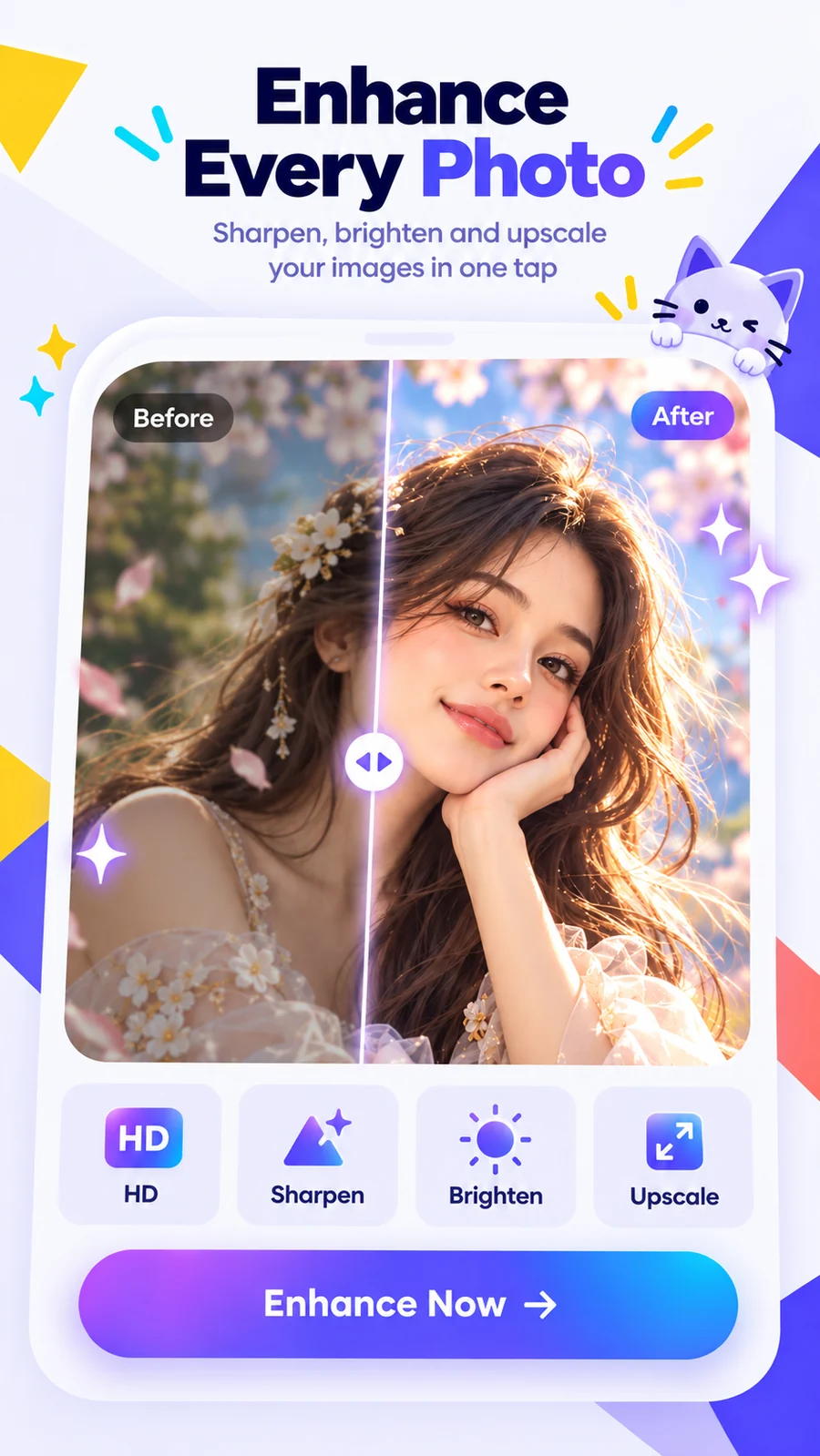
Sharpen, brighten and upscale images while keeping the workflow simple.
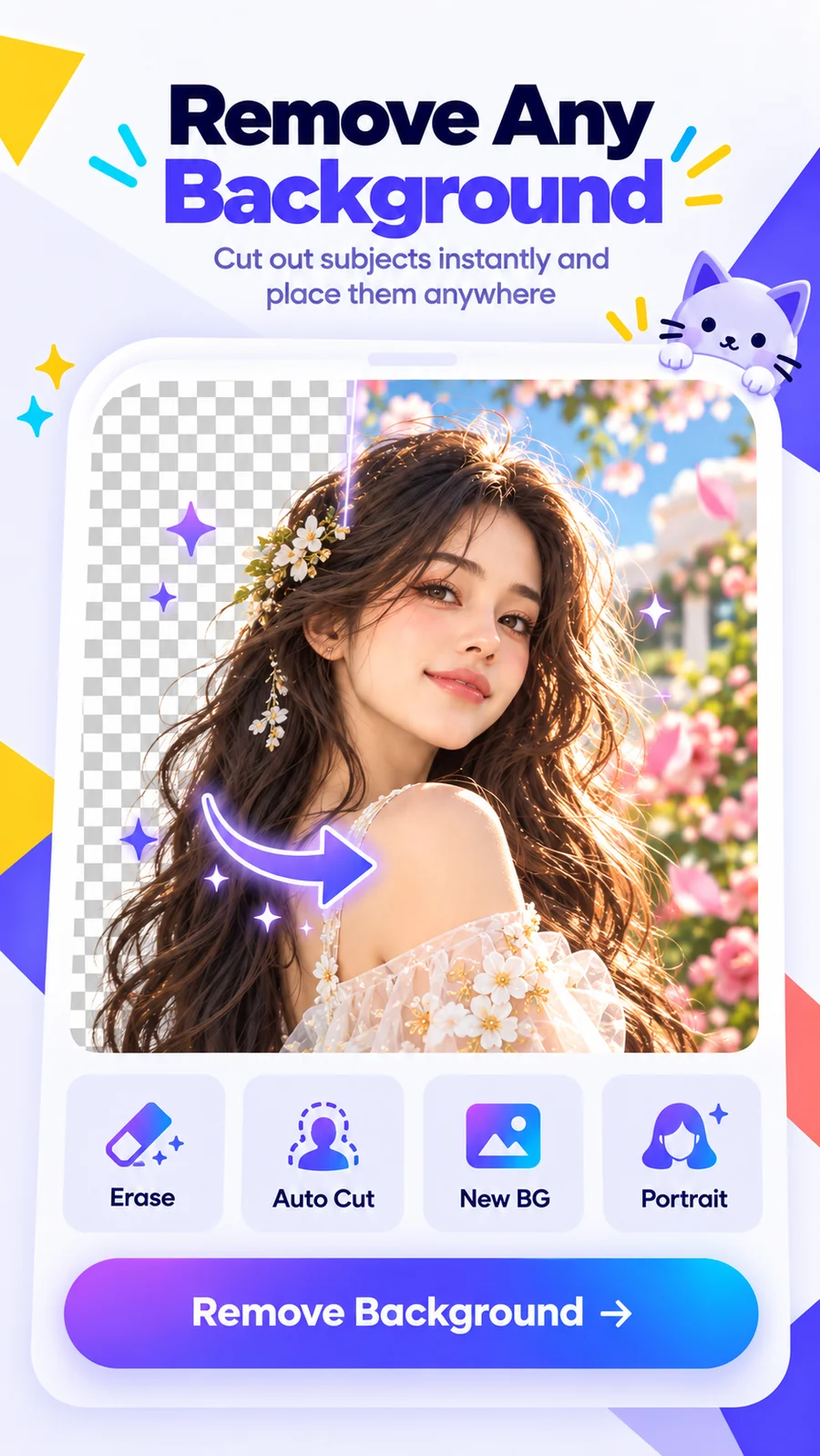
Cut out people and objects, then place them into a fresh background.
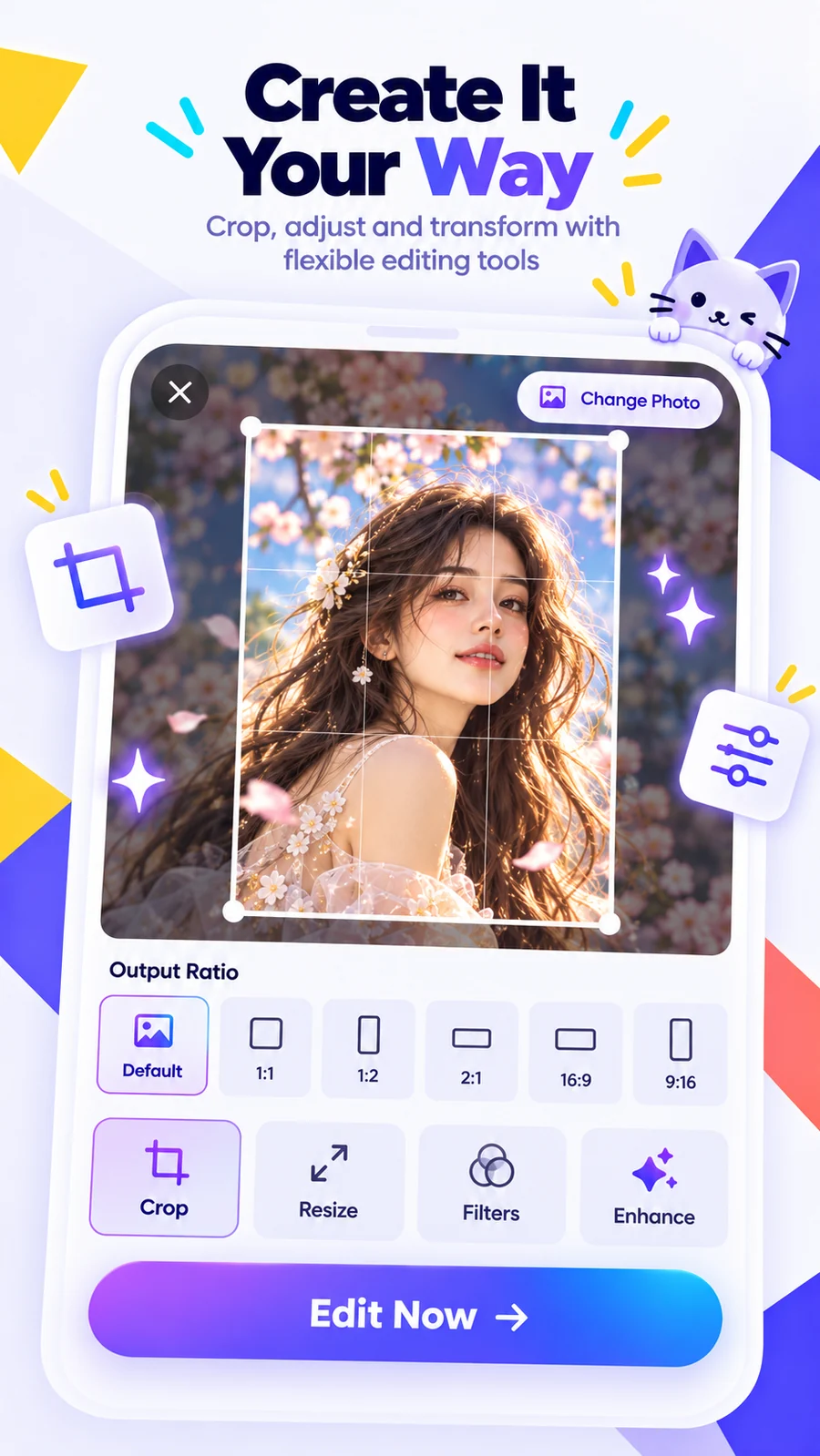
Crop and prepare creative assets for the format you need.
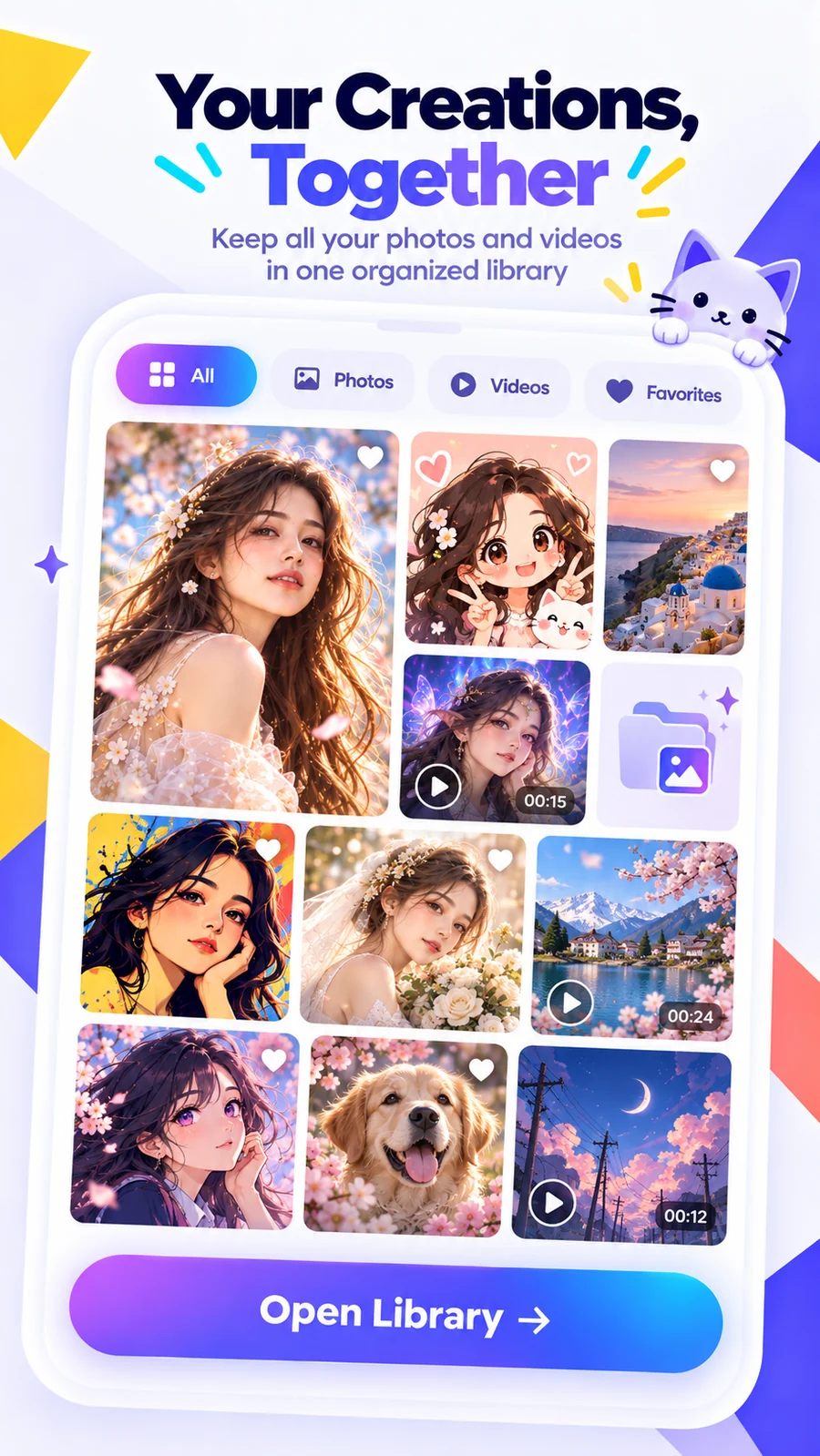
Keep generated photos and videos together so your creations are easy to revisit.
Swipe through the same visual stories used across the app experience.
Pick an image you want to transform, animate or improve.
Select a style, video template, enhancer or background tool.
Generate your result, refine it if needed and save it to your library.
You can create AI-styled images, AI videos, enhanced photos, cutout images and other edits using the tools available in the app.
No broad photo or storage permission is needed just to choose media. Kapwing uses Android’s system Photo Picker, which gives the app access only to the photos or videos you select.
Some AI features may need to send the media you select to service providers that process it on our behalf. The Privacy Policy explains this in more detail.
Kapwing uses Google AdMob for advertising and Google Firebase services for app operation, diagnostics and related functionality. See the Privacy Policy for details.
Use our Support Center for technical problems, refunds, billing, collaborations, feature requests and other questions, or email xposurelimted@gmail.com.
Explore AI art, video, editing and enhancement tools in one app.